
It is 8 pm, a customer has just spilled red wine on a cream carpet, and they search “cleaning company near me” on their phone. Your website opens. How many seconds before they can see what you clean, what it costs, and how to book? That is the test the best WordPress themes for cleaning companies have to pass.
If the answer is more than a few seconds, your design is costing you jobs. A person with a stain on their carpet does not read or compare. They want a price, a phone number, and a form — and if yours is buried under a hero image and a menu, the job goes to the next cleaning company on the list.
That is the only filter I used to build this list of the best WordPress themes for cleaning companies. I build websites for local service businesses, so every pick below is scored on four things, in this order: a quote form on the homepage, clear pricing, a service page for each type of cleaning you sell, and a recent update.
Every pick here is a theme built for cleaning, maid and housekeeping businesses — not a generic business theme bent into shape. All eight are live on ThemeForest in November 2026, work with Elementor or their own builder, and include importable demo content.
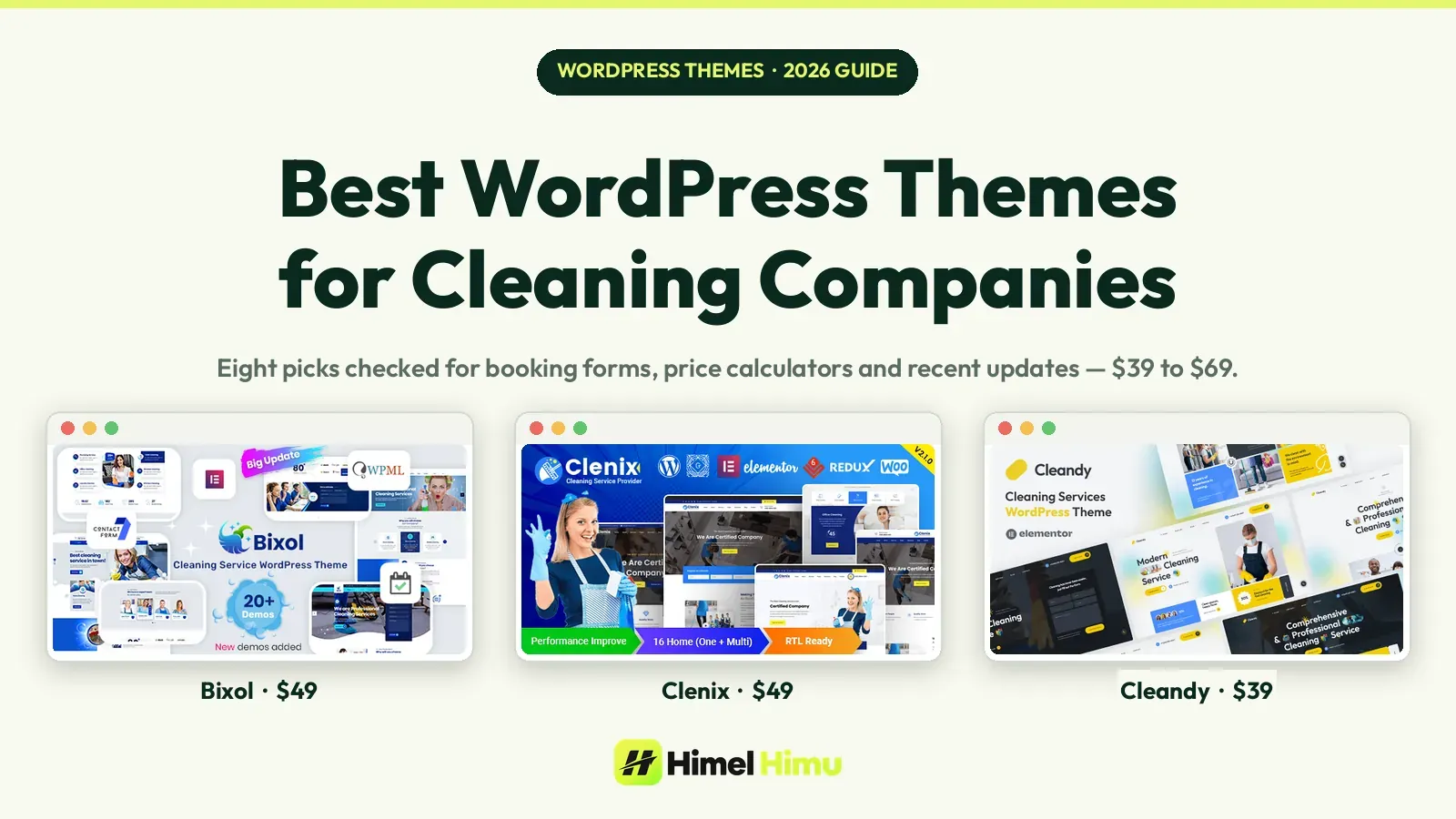
At a glance: 8 cleaning company picks, all on ThemeForest, one-time prices from $39 to $69. Buy Bixol ($49) for the best all-rounder, Clenix ($49) for maid and house cleaning, The Kleaner ($59) for commercial contracts, CarpetServ ($69) for carpet work, or Cleandy ($39) when the budget is tight. Every pick passes all four checks below.
On this page:
- What a cleaning company’s website has to do first
- How to judge a cleaning theme before you buy it
- The picks
- Compare the picks at a glance
- What about a general builder like Divi?
- Your theme’s speed depends on the hosting underneath
- After you pick a theme
- Bonus: add a sticky call and quote button (copy-paste code)
- Common mistakes when choosing a cleaning theme
- How to choose between these picks
- Frequently asked questions
- The short version
What a cleaning company’s website has to do first
A cleaning company website has one job: turn a visitor into a booked clean. Before you look at a single demo, hold every theme to that job.
The services are obvious in five seconds. A visitor should know what you clean — house, office, carpet, end of lease — without scrolling past a slider.
The quote form is one tap away. A cleaning site that hides its form loses jobs. The form belongs on the homepage, near the top, asking for the service, the suburb and the date.
The phone number is visible on every screen. Some customers will never fill in a form. They want to call, ask one question, and book. If your number only lives on the contact page, they call your competitor instead.
How to judge a cleaning theme before you buy it
Four things matter, in this order. Every pick below passes all four — use this list to judge any other theme too.
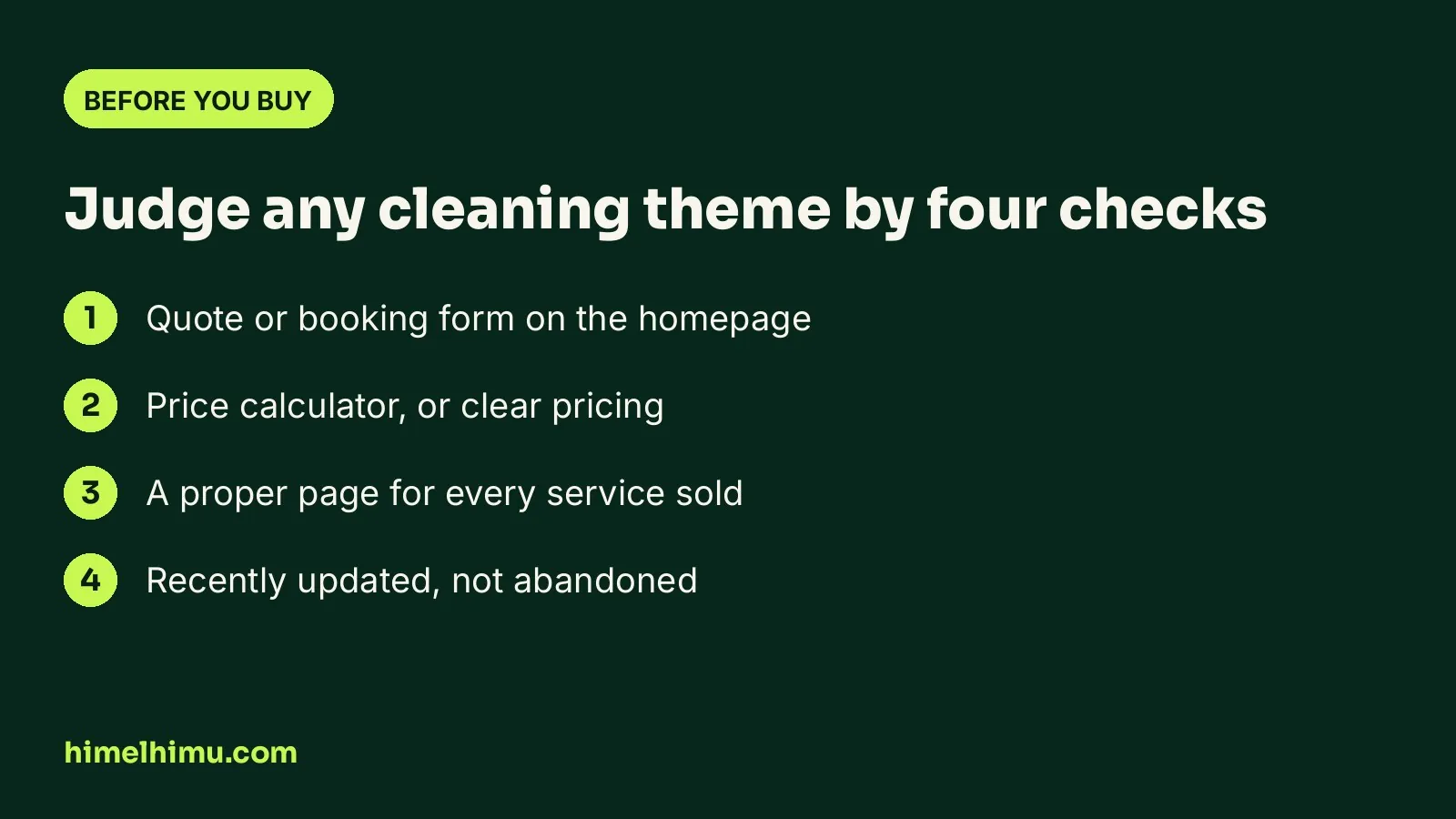
Check 1: a quote or booking form on the homepage. Open the demo on your phone first. If the form is below three screens of photos, or only on the contact page, the theme fails the only test that pays.
Check 2: a price calculator or clear pricing section. Customers compare prices before they call. A theme with a calculator, or at least a proper pricing section, lets a visitor work out a rough cost without phoning you.
Check 3: service pages for each type of cleaning you actually sell. House cleaning, office cleaning, carpet cleaning, end of lease. Each type gets its own page, because nobody searches “cleaning services”.
Check 4: a recent update. A theme untouched for two years will fight the current WordPress version. Check the last update date on the listing before you buy.
The picks
1. Bixol, the best all-rounder ($49)
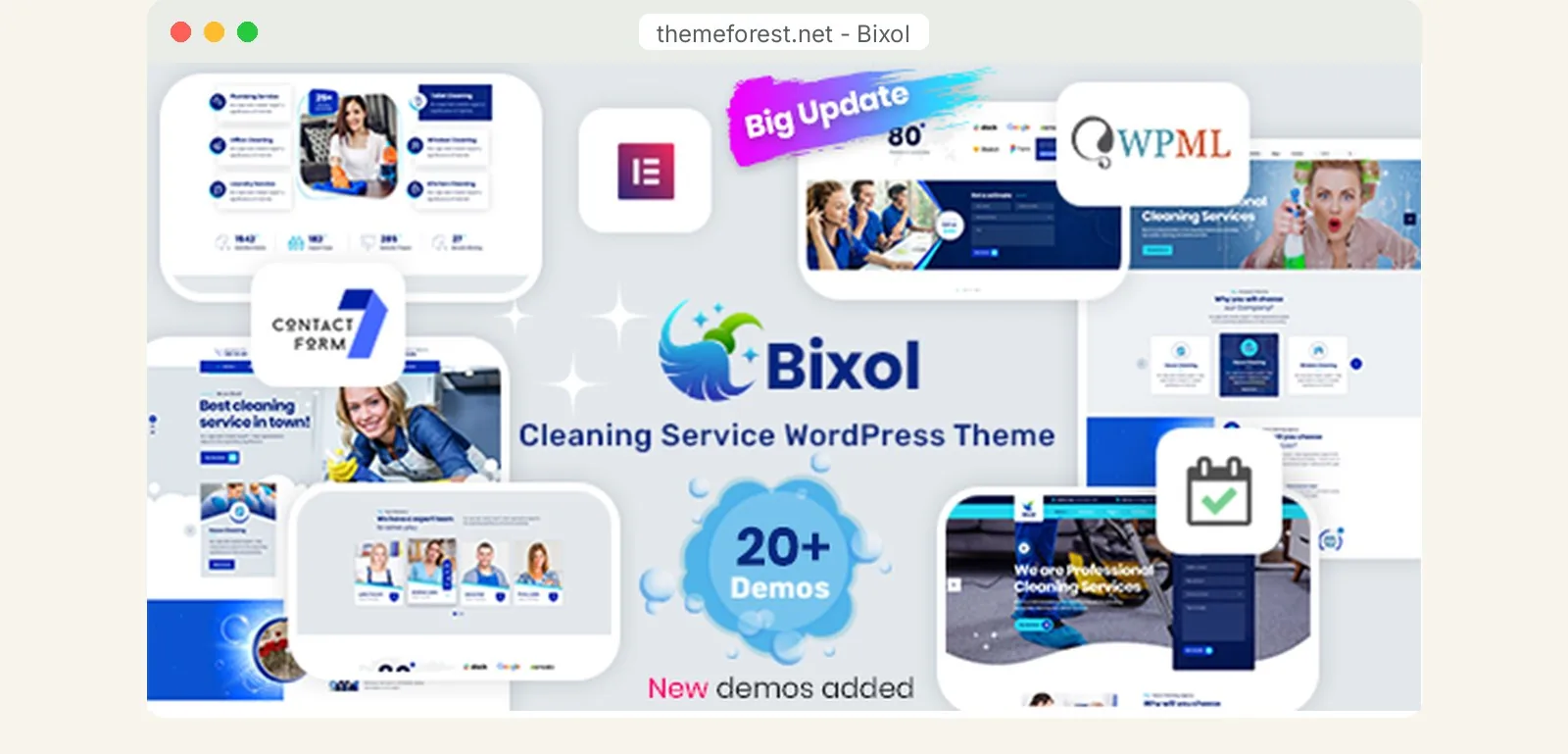
Bixol, by Case-Themes, is the theme I would start with for most cleaning companies. Built for Elementor, with several cleaning demos, it was updated in September 2026. The homepage layouts lead with services and a quote form, and the booking sections are clear.
What’s inside:
- Homepage layouts that lead with services and a quote form
- Clear booking sections, built for Elementor
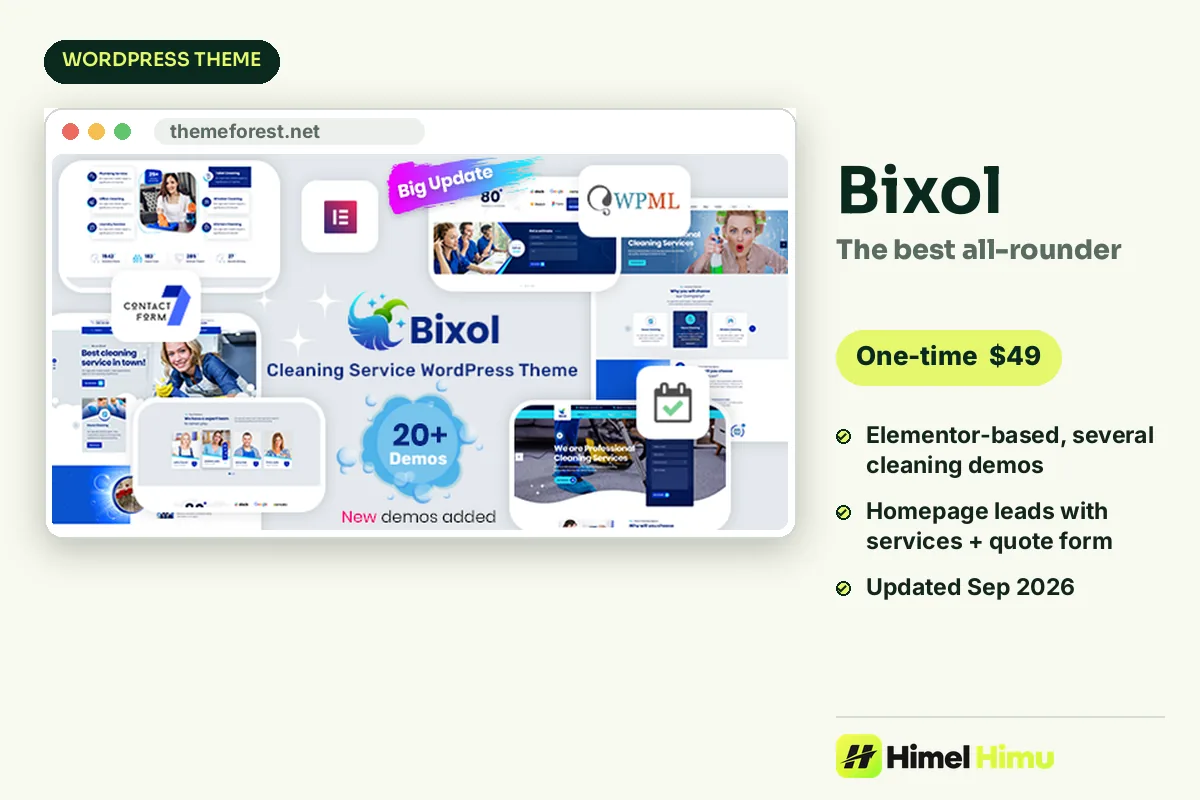
At $49, it is the best value on this list for a standard residential and commercial cleaning business. It does not specialise in one type of cleaning — if you clean homes and offices, Bixol covers both.
Best for: most cleaning companies that want one theme for residential and commercial work.
2. Clenix, best for maid and house cleaning ($49)
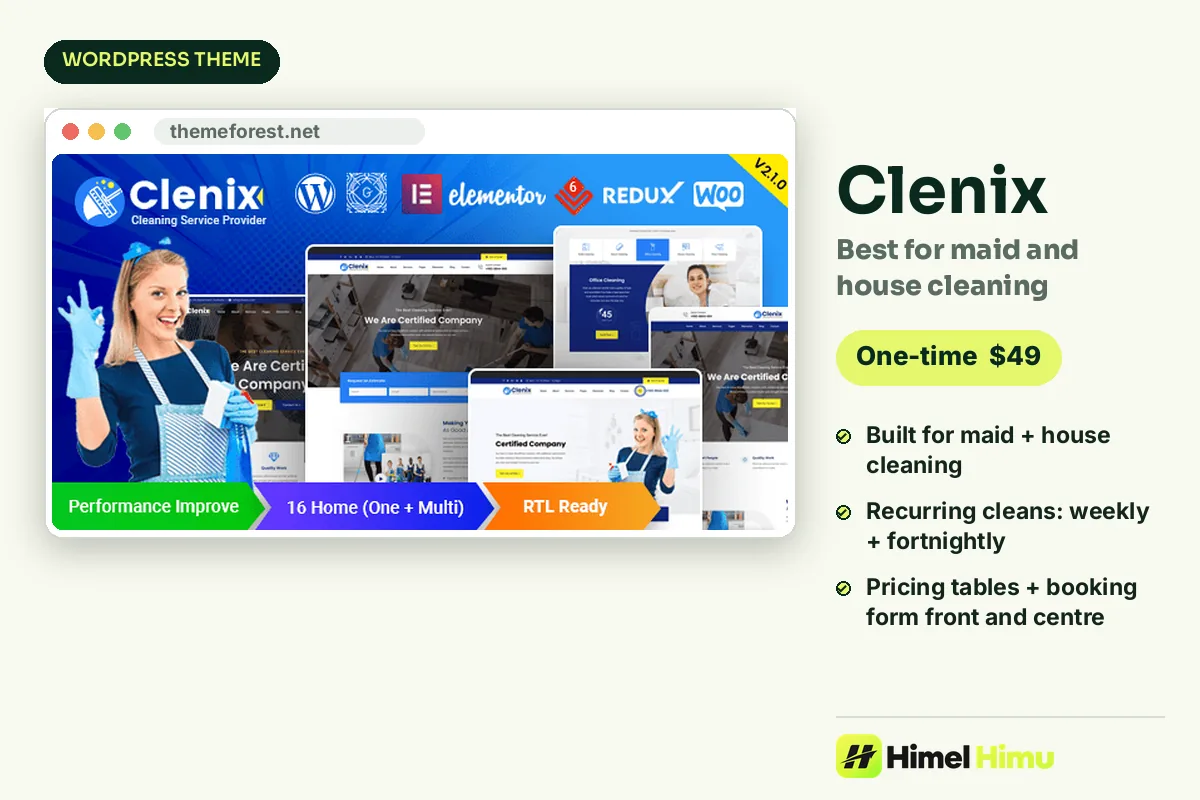
Clenix, by RadiusTheme, is built specifically for maid and house cleaning services, and was updated in July 2026. Its demos focus on recurring home cleaning: weekly and fortnightly cleans, not one-off jobs.
What’s inside:
- Demos built around recurring home cleaning — weekly and fortnightly cleans
- Pricing tables and a booking form front and centre
- A layout that stays readable on a phone
A one-off deep clean pays once. A weekly clean pays every week. The pricing tables answer the one question that stops most people from enquiring: what does it cost?
Best for: maid and house cleaning businesses that live on recurring bookings.
3. The Kleaner, best for commercial and industrial cleaning ($59)
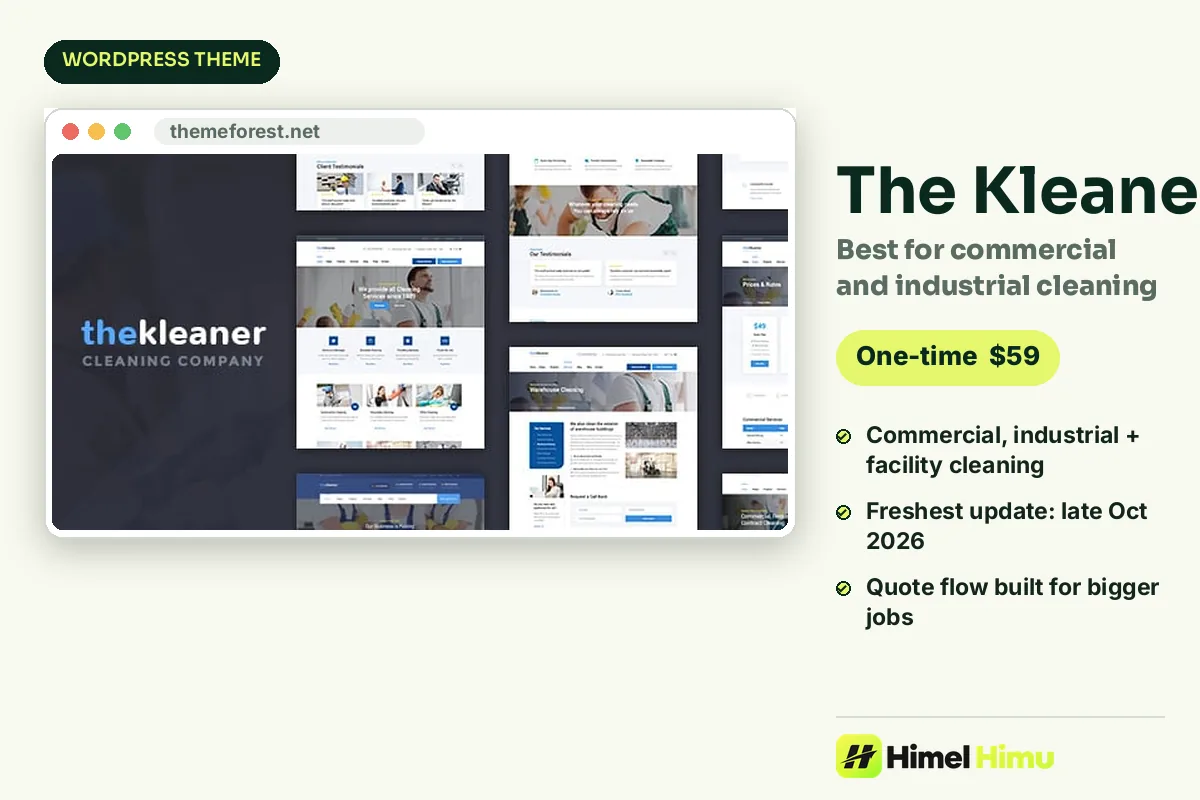
The Kleaner, by QreativeThemes, is the pick for commercial, industrial and facility cleaning, updated in late October 2026 — the freshest update on this list. Its demos suit companies chasing contracts rather than one-off house cleans.
What’s inside:
- Service lists for offices, warehouses and facilities
- Case study layouts, to show contract work you have done
- A quote request flow built for bigger jobs
If your customers are facility managers rather than homeowners, start here. A homeowner books a clean; a facility manager signs a contract — and the case study layouts prove you have cleaned a building like theirs before.
Best for: companies chasing commercial, industrial and facility cleaning contracts.
4. CarpetServ, best for carpet and janitorial services ($69)
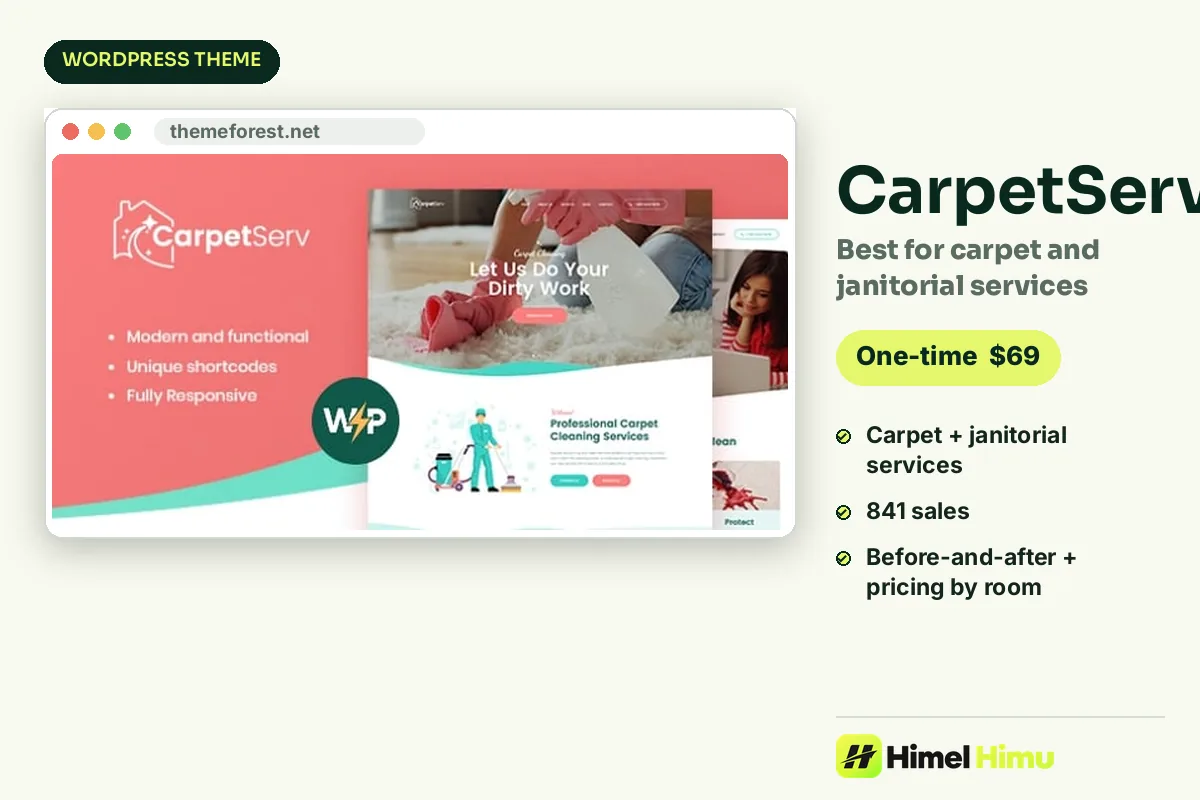
CarpetServ, by AncoraThemes, covers carpet cleaning and janitorial services, with 841 sales behind it, updated in October 2026. Carpet cleaning needs different proof from house cleaning: before and after photos, stain and treatment pages, and pricing by room — and CarpetServ’s demos are built around exactly that.
What’s inside:
- Demos built around before and after photos
- Stain and treatment pages for each type of carpet work
It costs more than the budget picks, but for a carpet-focused business the specialised layouts earn it back — a generic theme makes you build the before-and-after pages yourself.
Best for: carpet cleaning and janitorial businesses that sell on visible results.
5. SmartClean, best for housekeeping companies ($69)
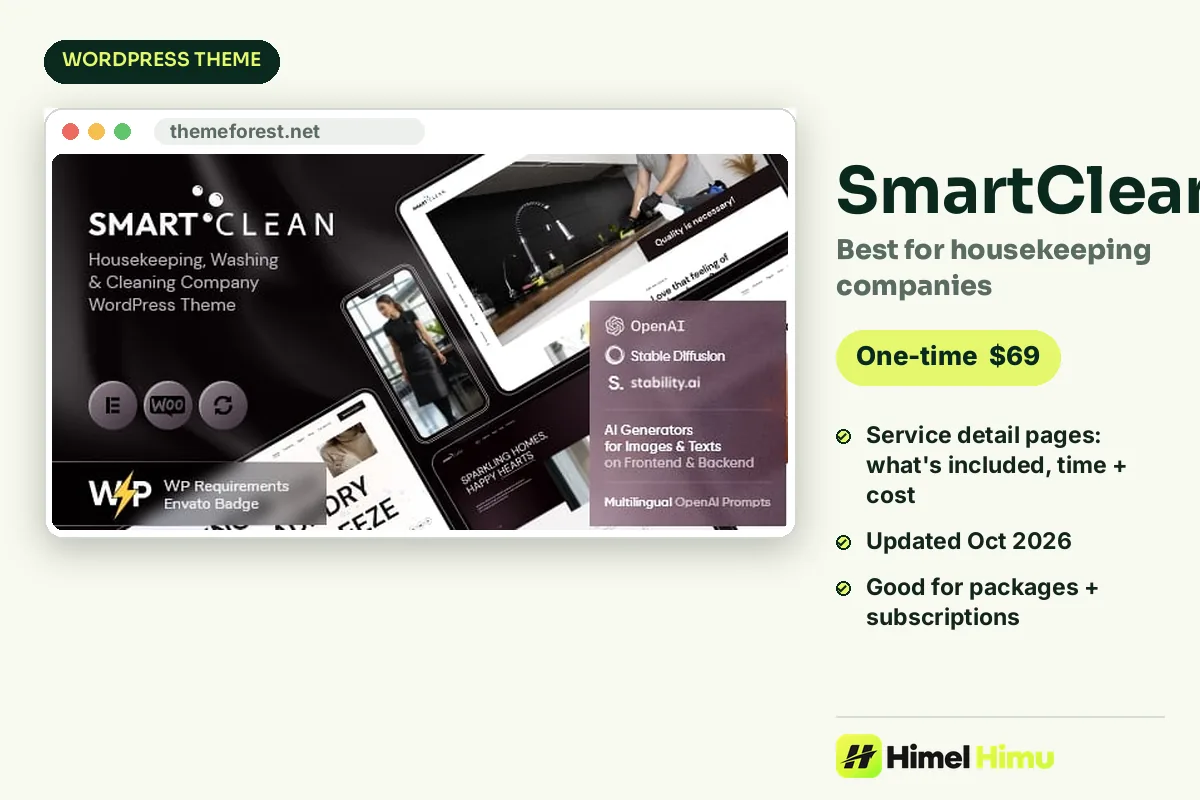
SmartClean is a housekeeping and cleaning company theme, updated in October 2026. Its strength is the service detail pages: each service gets a proper page with what is included, how long it takes and what it costs.
What’s inside:
- Detail pages for each service — what is included, how long it takes, what it costs
Customers choose a cleaning company on specifics, not slogans. A page that says what a deep clean includes, how long it takes and what it costs tells them everything they need to book.
Best for: housekeeping companies that sell packages and subscriptions.
6. Clengo, the solid middle pick ($59)
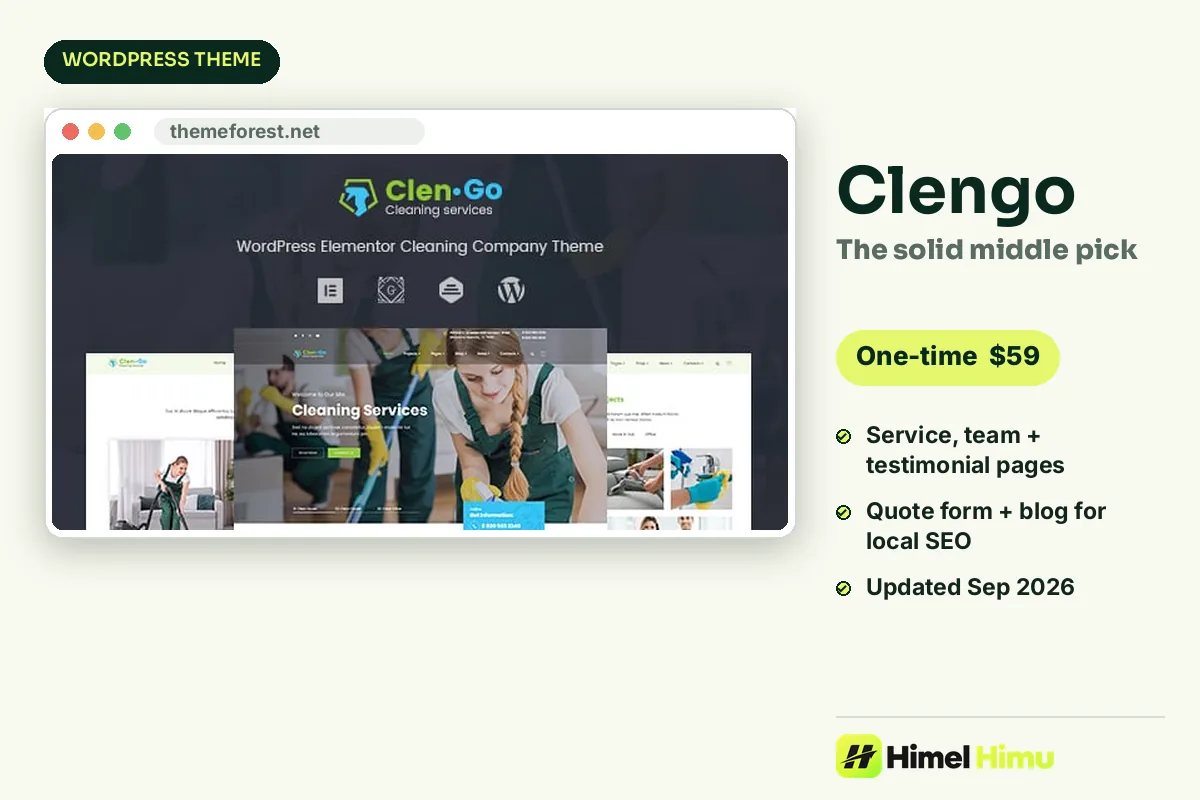
Clengo is a cleaning company theme updated in September 2026. It does nothing flashy and everything needed: service pages, team pages, testimonials, a quote form and a blog layout for local SEO.
What’s inside:
- Service pages, team pages and testimonials
- A quote form on the homepage
- A blog layout for local SEO
If Bixol’s style does not suit you, Clengo is the safe second choice at the same kind of price. Pick the demo whose homepage you like most and change the colours to your brand. The blog layout is the quiet bonus: one page per suburb wins “cleaning company near me” searches.
Best for: cleaning companies that want a safe, complete site.
7. Moppers, the proven seller ($49)
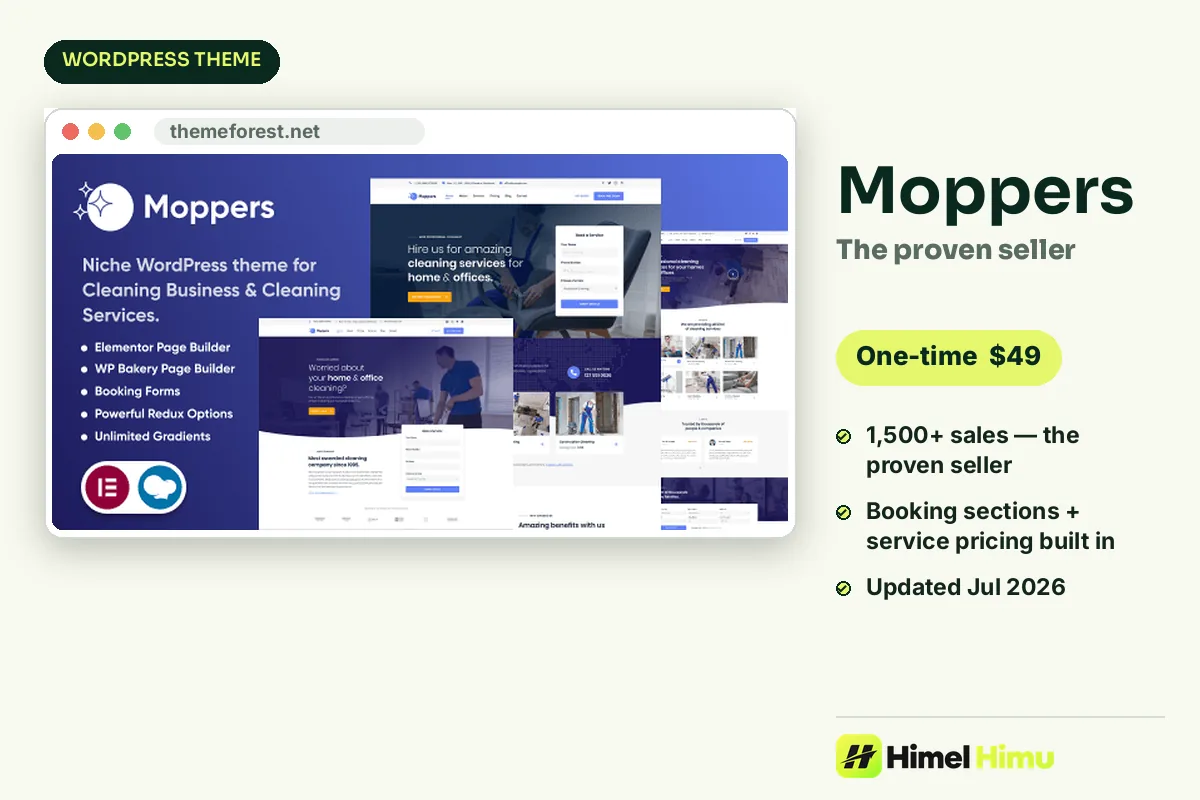
Moppers has over 1,500 sales on ThemeForest and was updated in July 2026. That sales history matters: a theme bought that many times has had its bugs found and fixed by other people before you.
What’s inside:
- Demos covering cleaning companies and cleaning services generally
- Booking sections and service pricing built in
It is not the newest design on this list. What you are buying is not a look — it is 1,500 other buyers who already found the problems and got them fixed.
Best for: owners who want the lowest-risk option.
8. Cleandy, the budget pick that still delivers ($39)
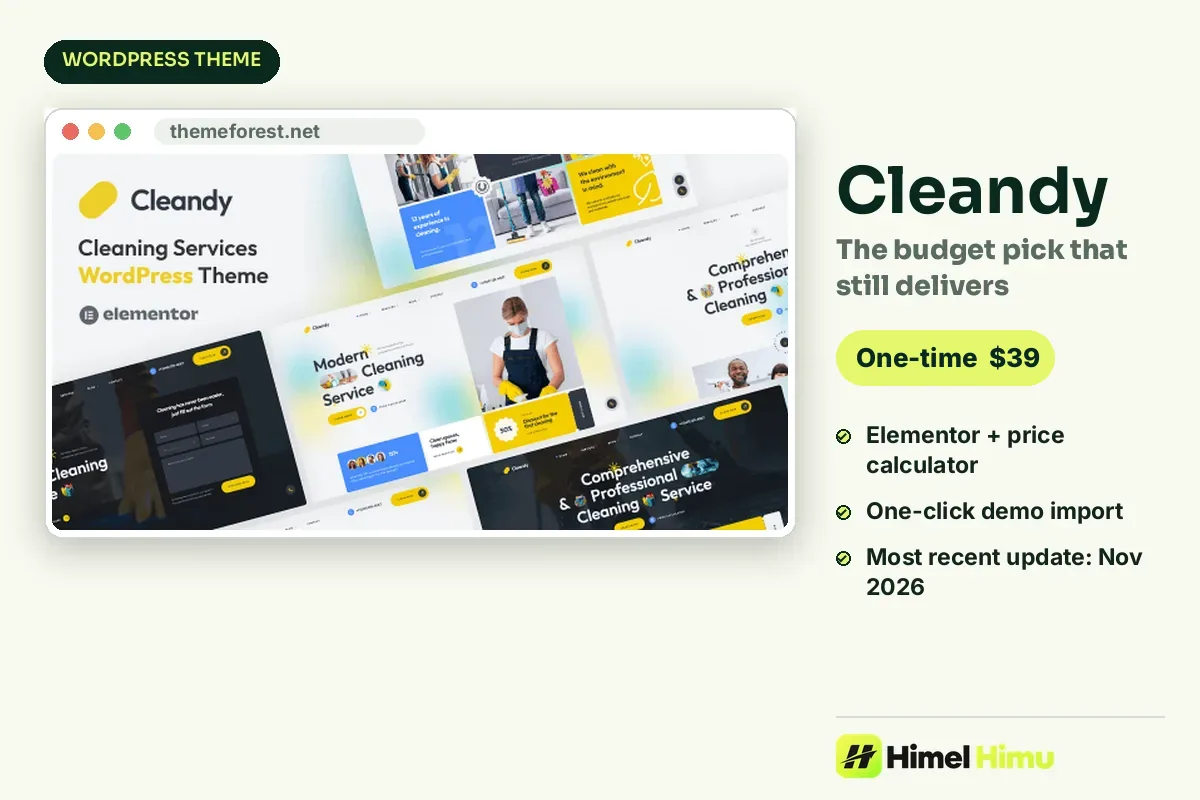
Cleandy costs $39 and was updated in November 2026, the most recent update on this list. Elementor-based, it includes a price calculator and one-click demo import, and covers house cleaning, car cleaning and general cleaning services.
What’s inside:
- A price calculator, so visitors can work out their own cost
- One-click demo import and Elementor editing
At this price the design is simpler than Bixol or Clenix, but the essentials are all there: services, calculator, quote form and contact. The right pick for a new cleaning business that needs a proper site now.
Best for: new cleaning businesses that need a proper site now on a tight budget.
Compare the picks at a glance
| Theme | Price (one-time) | Best for |
|---|---|---|
| Bixol | $49 | Best all-rounder, residential and commercial |
| Clenix | $49 | Maid and house cleaning, recurring cleans |
| The Kleaner | $59 | Commercial, industrial and facility contracts |
| CarpetServ | $69 | Carpet and janitorial, before-and-after proof |
| SmartClean | $69 | Housekeeping, packages and subscriptions |
| Clengo | $59 | Solid middle pick, everything needed |
| Moppers | $49 | Proven seller, lowest-risk choice |
| Cleandy | $39 | Budget pick, proper site for a new business |
All eight are one-time ThemeForest purchases on a regular licence, which covers one website. Prices were checked in November 2026 and change with sales.
What about a general builder like Divi?
Divi, at $89 a year or $249 for a lifetime licence, is a general visual builder rather than a cleaning theme. It suits an owner who wants to design everything from scratch and reuse the builder on other sites.
For a cleaning company that just needs a good site quickly, a purpose-built theme above will get you live faster, with cleaning-specific pages already designed. With Divi you build those pages yourself.
Buy Divi for flexibility. Buy a cleaning theme for speed. And if you build websites regularly, an Envato Elements subscription covers many themes under one payment — my guide to the best Envato Elements themes for local businesses explains when that beats buying one by one.
Your theme’s speed depends on the hosting underneath
The prettiest cleaning theme still loses jobs if the site itself is slow. A quote form that takes five seconds to load is a quote form nobody fills in. A customer on their phone will not wait — they will tap back and open the next cleaning company.
That is why the hosting underneath the theme matters as much as the theme itself. A cleaning theme is not a heavy build — just pages, photos and a form — so it needs hosting that answers fast and stays up, not an expensive plan.
For a cleaning company site like this one, I use Hostinger — the host I recommend for small WordPress business sites. If you want the detail before you decide, my Hostinger review walks through what you actually get.
After you pick a theme
Install it on Hostinger, import the demo closest to your business, then replace the demo content in this order: services and prices, service areas, phone number, and the quote form’s email address.
Services and prices first. Replace every demo service with one you actually sell, and put your real prices next to it.
Service areas second. Replace the demo suburbs with the areas you actually cover — one page per area, not one line in the footer.
Phone number and form email third. Search the whole site for the demo number after you change it — demo numbers hide in footers and mobile menus. Then send yourself a test enquiry before launch. If it does not arrive, no customer enquiry will either.
Warning: do not launch with demo phone numbers or demo email addresses still in place. That is the most common launch mistake on trade websites.
Then build the pages that bring the calls: one page per service, one page per suburb, and a quote form that asks for the service, the suburb and the date. A theme gives you the design. The pages give you the customers.
Bonus: add a sticky call and quote button (copy-paste code)
Whichever theme you choose, add this. A sticky bar sits at the bottom of the phone screen while the visitor scrolls, so your number and your quote form are always one tap away. If yours does not include one, here it is in two small pieces of code.
Step 1: paste this HTML where your footer is built (a footer widget, or your theme’s header-footer builder). Replace the number with your real one, in international format, and point the quote link at your own quote form page.
<div class="sticky-clean-bar">
  <a class="call" href="tel:+15551234567">Call now</a>
  <a class="quote" href="/get-a-quote/">Get a quote</a>
</div>
Step 2: paste this CSS into Customizer → Additional CSS.
.sticky-clean-bar {
  position: fixed;
  left: 0;
  right: 0;
  bottom: 0;
  z-index: 9999;
  display: none;
  background: #09291f;
  text-align: center;
}
.sticky-clean-bar a {
  display: inline-block;
  width: 50%;
  padding: 14px 0;
  color: #ffffff;
  font-weight: 700;
  text-decoration: none;
}
.sticky-clean-bar a.quote {
  background: #e4f76d;
  color: #09291f;
}
@media (max-width: 767px) {
  .sticky-clean-bar { display: block; }
  body { padding-bottom: 52px; }
}
Here is what each line does.
Line: href=”tel:+15551234567″ — the tel: link makes the tap dial your phone. Use your real number with the country code, no spaces.
Line: href=”/get-a-quote/” — the link to your quote form page. Change it to the real address of your form.
Line: position: fixed; bottom: 0; — this pins the bar to the bottom of the screen while the visitor scrolls.
Line: width: 50% on each link — the two buttons share the bar equally. The quote button gets the lime background so the eye lands on it first.
Line: display: none; and the @media block — the bar is hidden by default, and the media query switches it on only on screens under 768px wide.
Line: body { padding-bottom: 52px; } — this stops the bar from covering your footer text and links on mobile. Skip it and your footer sits hidden behind the bar.
Pro tip: after pasting, open your site on your own phone and tap both buttons.
Common mistakes when choosing a cleaning theme
The expensive mistakes repeat. Here are the ones I see most.
Mistake 1: buying for the homepage, not for the booking. A beautiful hero photo means nothing if the quote form takes three taps to reach. Judge a demo on your phone first — by how fast you can reach the form.
Mistake 2: launching with the demo phone number and demo email. Search your own site for the theme’s placeholder number and email before launch.
Mistake 3: hiding the quote form on the contact page. The form is the sale. If it only lives on the contact page, most visitors will never see it.
Mistake 4: paying for booking software before customers ask for it. The themes’ built-in forms are enough for quote requests. Real appointment booking, with calendars and payments, is a later purchase.
Mistake 5: picking a theme that has not been updated. A theme untouched for two years will fight the current WordPress version. Check the update date on the listing, not just the demo.
How to choose between these picks
First question: who books you? If it is homeowners booking one-off or recurring home cleans, Bixol is the all-rounder and Clenix is the maid-cleaning specialist. If it is facility managers signing contracts, The Kleaner is built for that conversation, and CarpetServ is the one when the work is carpet and the proof is in before-and-after photos.
Second question: what does the customer buy — a clean, or a plan? Housekeeping packages and subscriptions point to SmartClean; a safe, complete site with no surprises points to Clengo; the lowest-risk buy, by sales history, is Moppers; and if the budget is the deciding factor, Cleandy at $39 still covers the essentials. Whichever answer fits, test the quote form on your own phone before anything else — and if enquiries should land in WhatsApp instead of an inbox, connect the form the way the WhatsApp guide shows.
Pro tip: whichever theme you pick, test the quote form on your own phone before anything else.
And whichever you pick: replace the demo content before you launch. The theme gives you the layout; your real services, prices, areas and phone number are what make it book cleans.
Frequently asked questions
Do these themes work with Elementor?
Bixol and Cleandy are Elementor-based, and most of the others work with Elementor or include their own builder and demo content. Check the theme’s listing before buying if Elementor specifically matters to you, since the builder varies by theme.
Can I use one licence for multiple cleaning websites?
No. A ThemeForest regular licence covers one website. Each additional site needs its own licence. Envato Elements is the alternative if you build sites regularly: one subscription covers many themes. My guide to Envato Elements themes for local businesses explains when that beats buying themes one by one.
Which of the best WordPress themes for cleaning companies is best for a small house cleaning business?
Clenix for maid and house cleaning specifically, or Bixol as the all-rounder. Both cost $49, both were updated in 2026, and both put the quote form where customers can find it.
Do I need a booking plugin as well?
For quote requests, no: the themes’ built-in forms are enough. For real appointment booking with calendars and payments, add a booking plugin later, once the quote enquiries are flowing. Do not pay for booking software before you have customers asking for it.
The short version
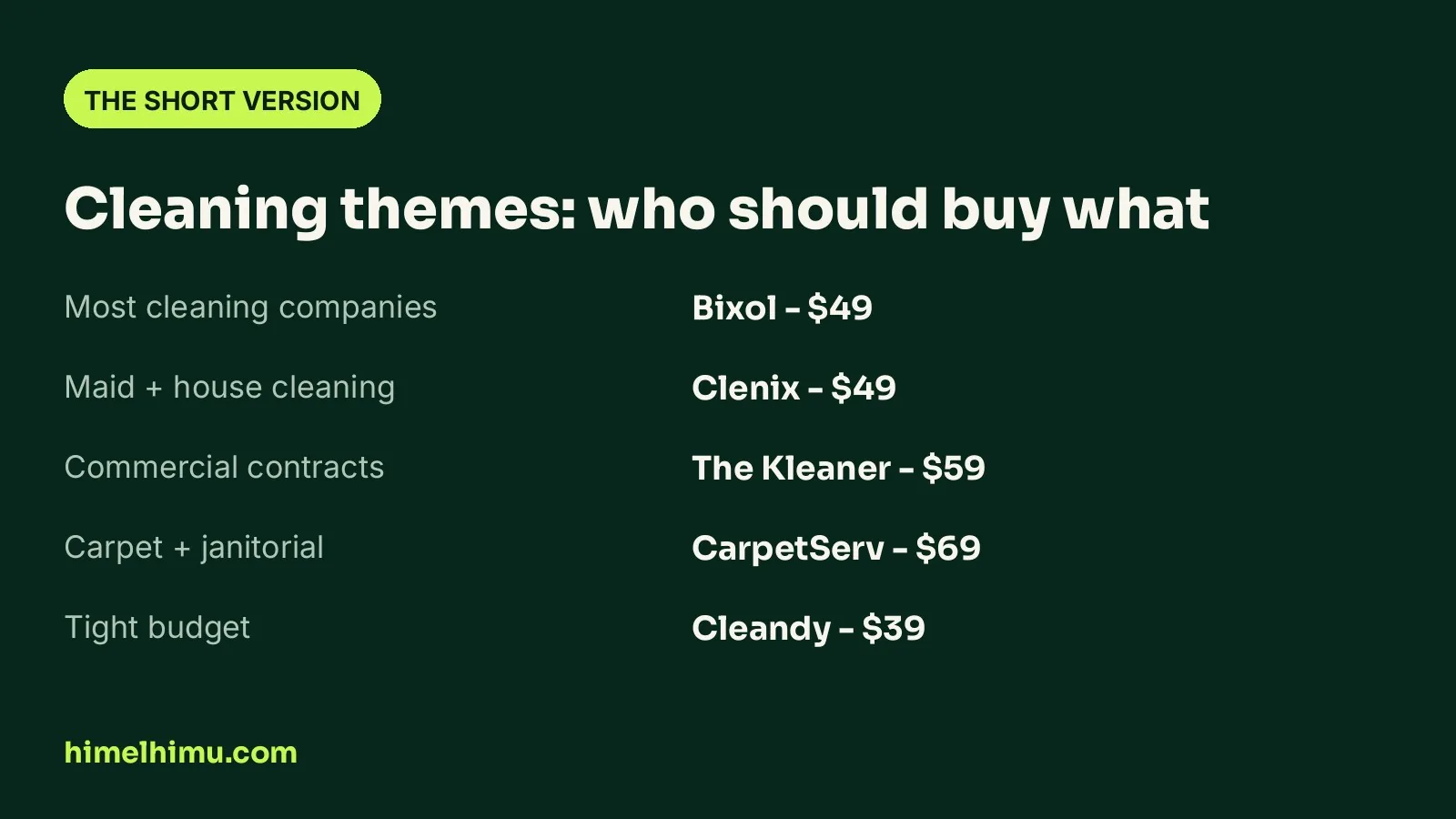
Of the best WordPress themes for cleaning companies here, buy Bixol at $49 for most cleaning companies. For maid and house cleaning, Clenix at $49. For commercial contracts, The Kleaner at $59. For carpet work, CarpetServ at $69. For housekeeping packages, SmartClean at $69. For a safe middle pick, Clengo at $59. For the proven seller, Moppers at $49. And if the budget is tight, Cleandy at $39. Whichever you pick, launch with real prices, real areas and a working quote form — the theme is the frame, the content books the clean.
If you would rather have the whole site built for you, that is what my WordPress services cover.
Written by Himel Himu, a WordPress developer with 7+ years of experience and 600+ websites delivered. Some links are affiliate links, which means I may earn a commission at no extra cost to you. Theme prices were checked in November 2026 and change with sales; confirm the current price on the listing before you buy.

 WordPress
 Elementor